
Skip to content
  • My Account

Knowledgebase

  • Guides
    • Getting Started
    • Advanced Topics
    • Use Cases
  • Products
    • The Events Calendar
    • Events Calendar Pro
    • Event Tickets
    • Event Tickets Plus
    • Filter Bar
    • Event Aggregator
    • Community
    • Promoter
    • Eventbrite Tickets
    • Seating
    • Event Schedule Manager
  • Articles

Knowledgebase

  • Knowledgebase
  • Main Menu
  • Guides
    • Getting Started
    • Advanced Topics
    • Use Cases
  • Products
    • The Events Calendar
    • Events Calendar Pro
    • Event Tickets
    • Event Tickets Plus
    • Filter Bar
    • Event Aggregator
    • Community
    • Promoter
    • Eventbrite Tickets
    • Seating
    • Event Schedule Manager
  • Articles
  • Products
    • Calendar
    • Tickets & RSVP
    • Import Events
    • Community Submissions
    • Promote
  • Bundles
    • The Complete Collection
    • Event Marketing Bundle
    • Events Importer Bundle
    • Virtual Event Marketing Bundle
    • Community Manager Bundle
  • Resources
    • Get Help
    • Release Notes
    • Developer Docs
    • Feature Request
  • Demo
  • My Account

Updating Your Promoter Account Profile

Last Updated:Apr 28, 2022

Access your profile from the top-right corner of the Promoter dashboard:
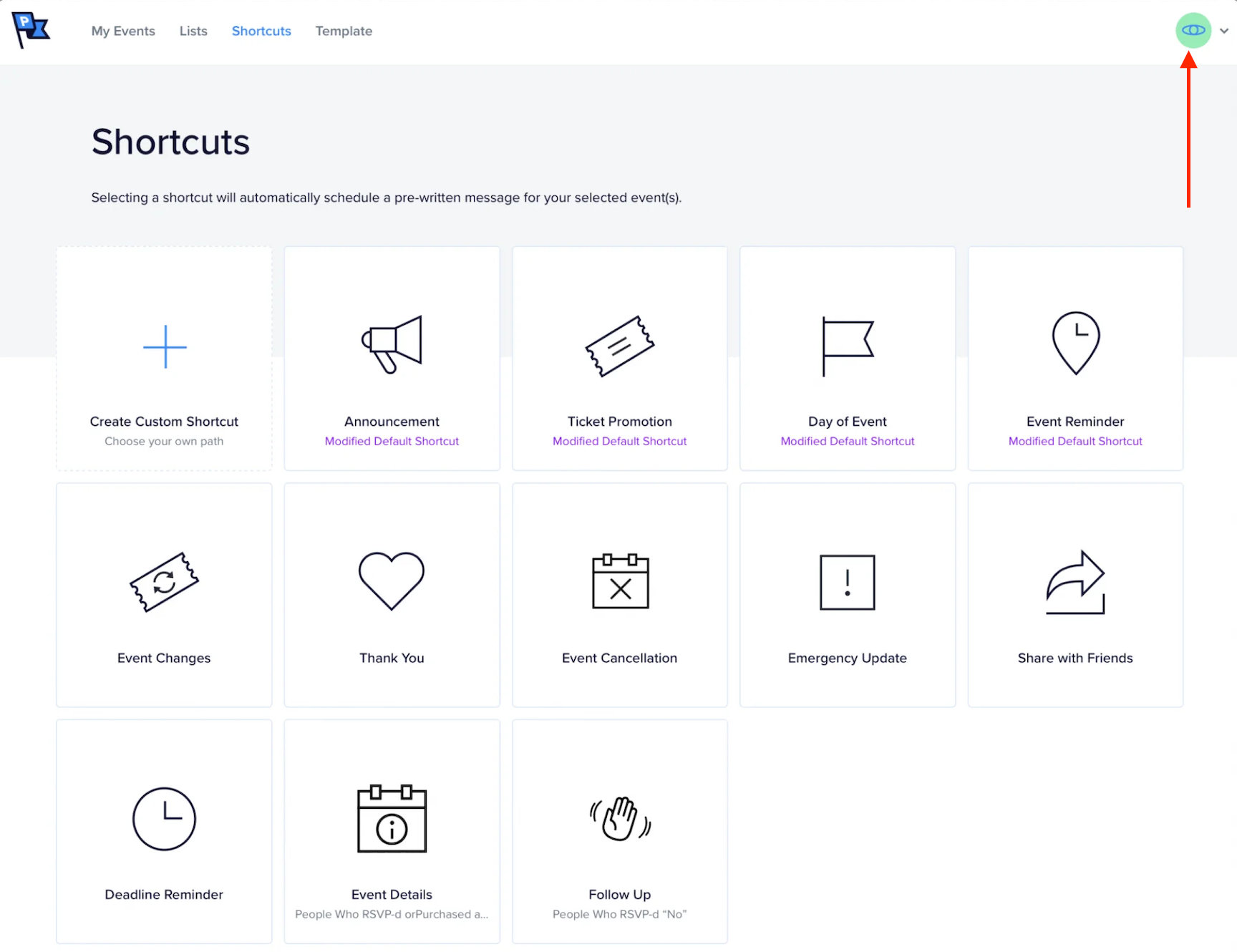
Access Promoter profile from top-right corner

Update the name, email address, or password of your account from the Profile screen:
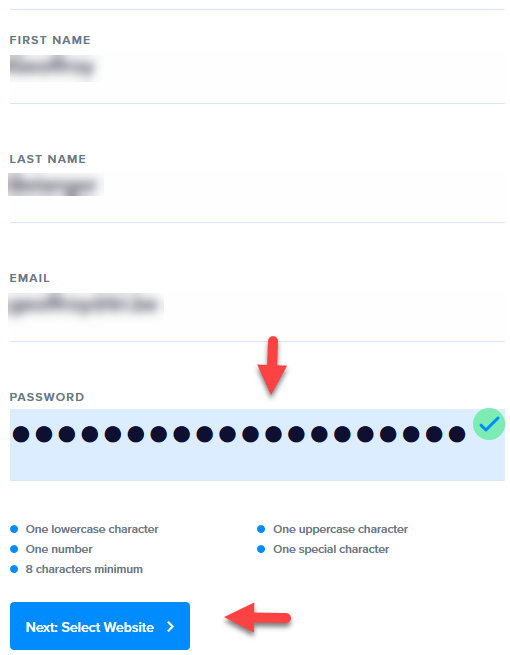
Promoter profile

Note: Changing passwords requires entering the current password. We do this to protect your account.


Notify us of out of date information
Event Seating product

RELATED ARTICLES:

  • How to Replace webcal:// with https:// in iCal Links
  • How to Show Only Weekend Events in List View with The Events Calendar
  • Changing Ticket and RSVP Labels
  • How to Add a Custom Currency in Tickets Commerce
  • Adding event description into PDF ticket

ACCOUNT TOOLS:

  • Support Resources
  • My Account
  • Contact Support
  • Downloads and Licenses
  • Manage Subscriptions

A Liquid Web Brand

Hosting for WordPress

© 2023 All Rights Reserved.