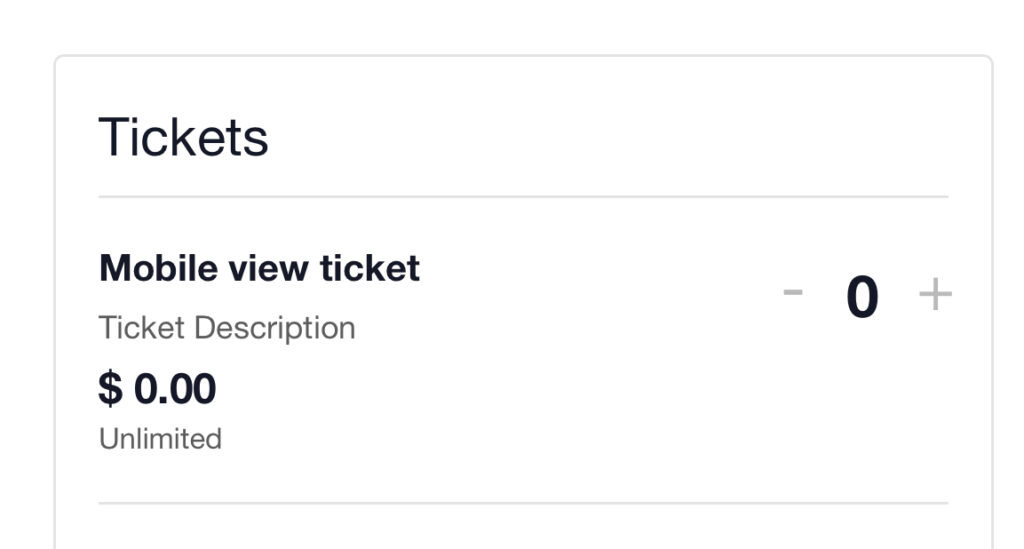
Is your ticket description not showing on mobile? If you’re facing an issue where the ticket description is not visible on mobile devices, this simple fix will ensure that the ticket details are displayed correctly.
Add Custom CSS
To resolve this, you need to add a few lines of CSS to your WordPress site. Follow these steps:
Navigate to Appearance > Customize > Additional CSS in your WordPress dashboard.
Insert the following CSS code:
@media (max-width: 768px){
.event-tickets .tribe-tickets__tickets-item-details-content {
   display: block !important;
}

.event-tickets .tribe-tickets__tickets-item-extra{
 grid-row: 4 !important;
}

.event-tickets .tribe-tickets__tickets-item-details-content{
     grid-row: 2 !important;
}
}
Click Publish to save your changes.
What This Does
- Forces the ticket description to be visible on mobile screens.
- Adjusts the grid structure to ensure proper alignment of ticket details.
- Enhances the user experience by making ticket descriptions more accessible.
Final Result
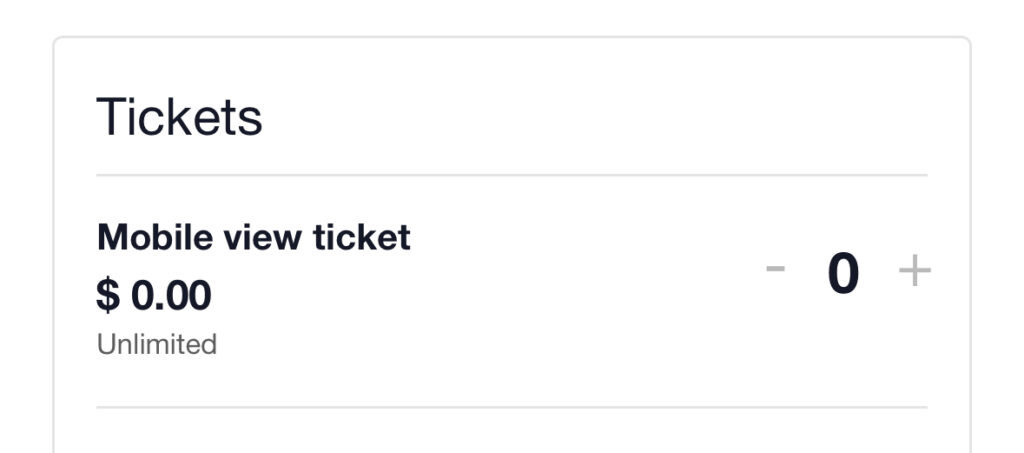
Once you apply this CSS, the ticket description will now appear correctly in the mobile view, ensuring that users can easily see all relevant details when booking tickets.
Before:
After: