
Most themes disable category description by default. You can display event category description with a bit of customization.
To achieve this, the following code should be added to your theme’s functions.php.
add_action(
'tribe_template_before_include:events/v2/components/events-bar',
function ( $file, $name, $template ) {
    if(is_tax("tribe_events_cat")){
    echo "<div class='events-category-des'>".category_description()."</div>";
    }
}, 10, 3 );
Here is the complete guide for using custom code snippets.
Once you add the snippet, add some description to an event category, the result on the front-end would be like the following image:
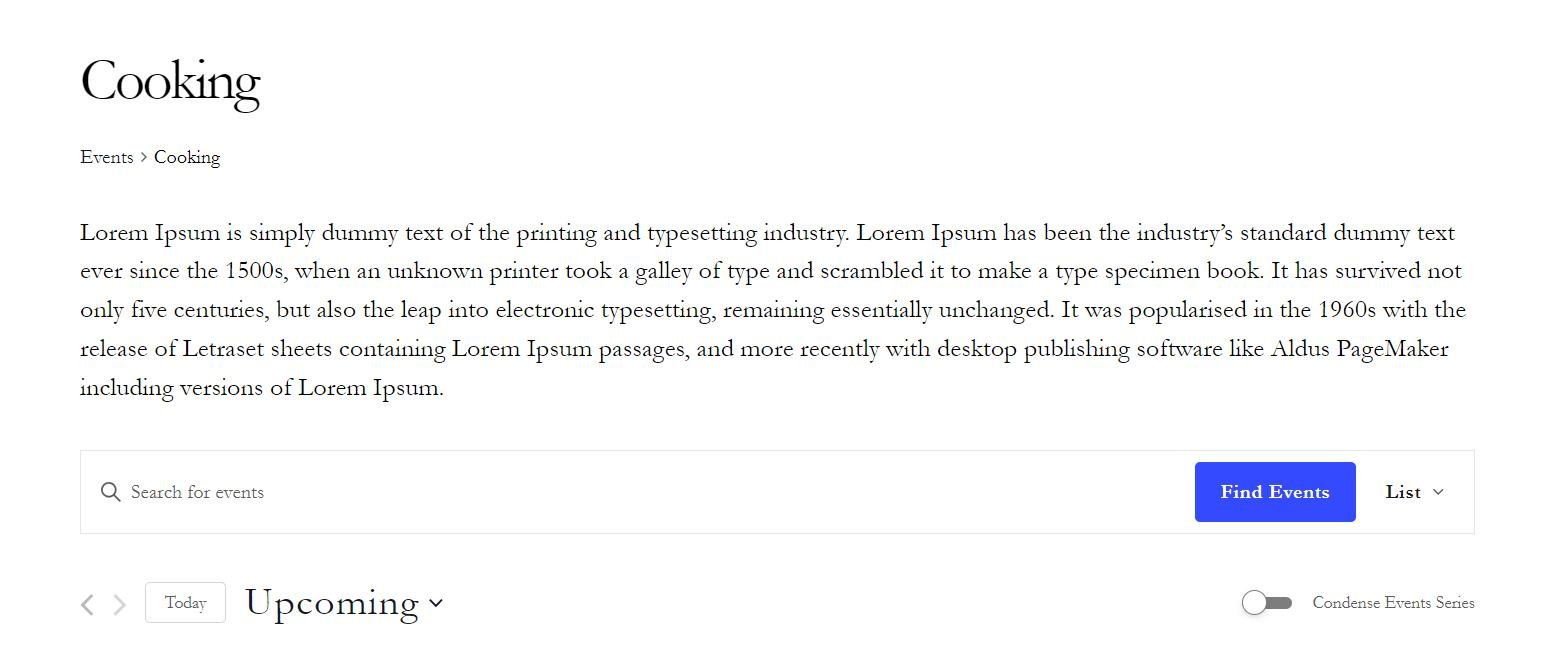
You can also assign some style like margin, font-size, font-color using the CSS below:
.events-category-des {
font-family: cursive;
font-size: 18px;
margin-bottom:30px;
}
The CSS should be either added inside child theme’s style file or under Appearance > Customize > Additional CSS in WP dashboard.
This snippet works with List, Summary, Map, Photo, Day, and Week views. Due to the way Month View layout is handled, the snippet should to be extended to work with Month View as well, which requires further customization.