
In recent versions of WordPress, it is possible to select which plugins will have an Auto-update feature (In the Plugins > Installed Plugin section of the WordPress Dashboard), to avoid the task of doing it manually, especially for plugins that have new releases frequently.
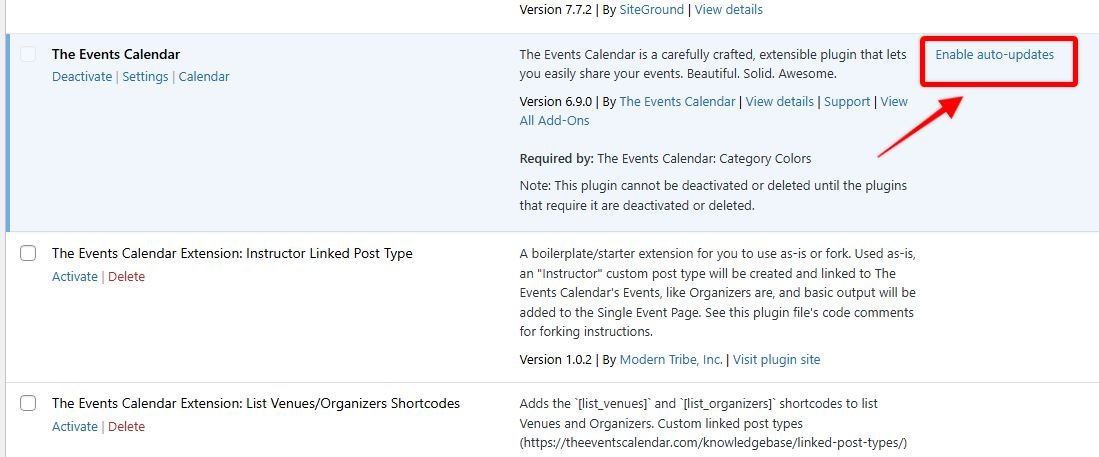
But sometimes it is advisable to test the plugin update on a staging site to make sure it doesn’t cause any issues, and then proceed to update it on the production site, so disabling Auto-update for certain plugins can be quite useful.
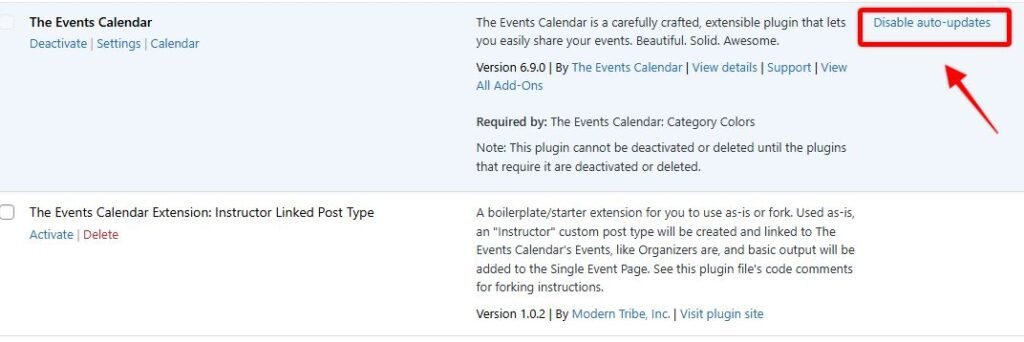
However, there are times when we need to disable or enable the Auto-updates feature for All plugins, so that none of them update automatically and no one can change it. To do this, we can insert the following PHP piece of code at the end of the functions.php theme file (ensure not to overwrite any existing code there) or by using the Code Snippets plugin:
add_filter( 'auto_update_plugin', '__return_false' );
After this, the Auto-updates features will be disabled for all plugins:
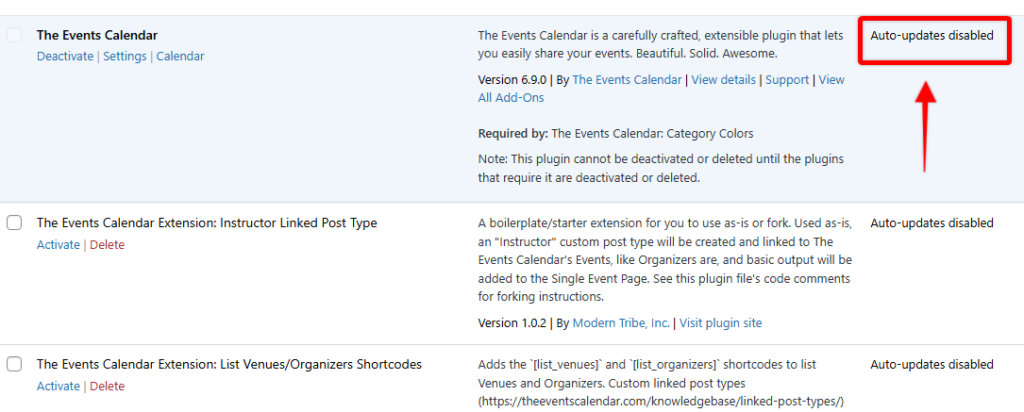
In this way, we will ensure that our website can undergo unexpected changes with the automatic update of plugins.
But please remember that keeping your WordPress plugins updated is crucial for security and performance, so, in this case, we should always be careful to update them manually and consistently, testing it on a staging site as mentioned above.