
The Events Calendar plugin offers a wide range of functionalities to help users effectively manage their event schedules. One notable feature is the ability to export and subscribe to calendars, allowing for easy sharing of events and automatic updates on important dates.
Exporting
When you export a calendar, you are essentially creating a file that contains all the events and schedules from your WordPress calendar. This file can then be shared with others, who can import it into their calendar application. This is particularly useful for businesses and organizations that want to share their event schedules with customers or members.
Subscribing
On the other hand, subscribing to a calendar means you can receive automatic updates whenever there are changes or additions to the calendar. This is especially handy for users who want to stay informed about events without having to check for updates manually. By subscribing to a calendar, you can ensure you always have the latest information.
What is the Calendar Name?
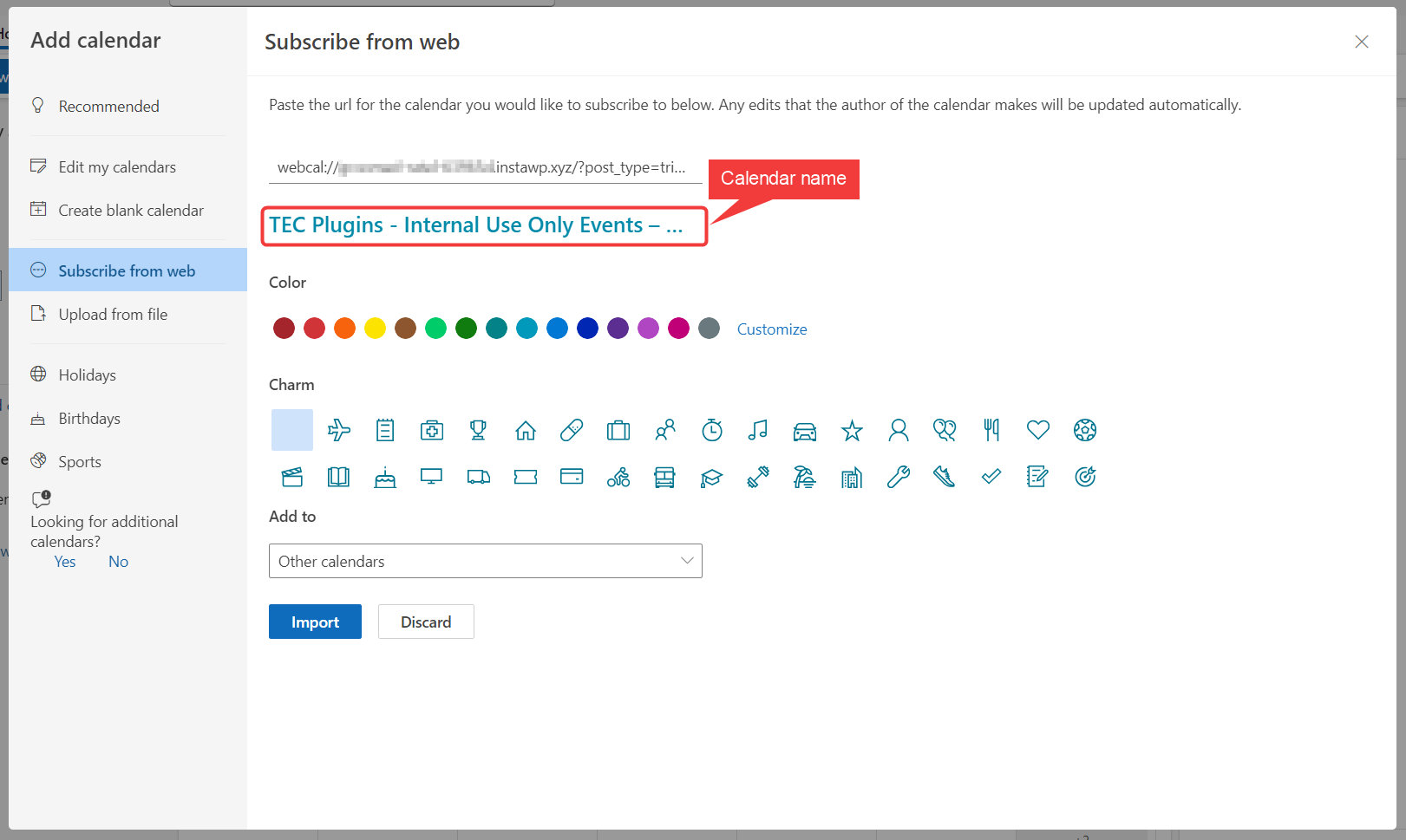
The calendar name refers to the name you see in your calendar application, such as Outlook when subscribing to a calendar. It helps you identify and distinguish different calendars when you have multiple subscriptions or shared calendars.
iCal Calendar Name
Adding the following PHP snippet to your site will change the calendar name added to the iCal export,
Outlook Calendar Name
Similar to the prior snippet, the following will let you change the name of the calendar subscribers see when subscribing to the calendar through Outlook,
For Developers
The above code snippets use the following filter hooks,
- tribe_ical_feed_calname
- tec_events_ical_outlook_subscribe_url